Tivimate is one of the best IPTV players for Android TV. It is easy to install and convenient to use. Key features:
- Modern, customisable interface.
- EPG support
- Fast zapping
- Catch-up (playback) function
- Watch multiple screens at the same time (with multiple connections)
- Customisable subtitles
- Customisable audio stream
- Xtream Codes login
- Parental control
TiviMate installation
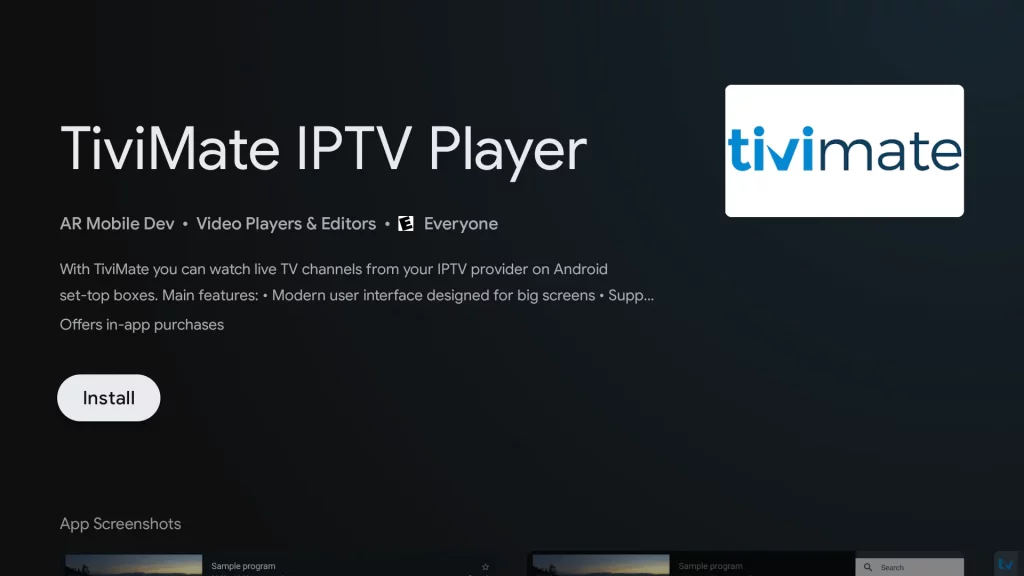
Step 1: get the app from the App Store.
Not every Android TV has the same app store. The Firestick, for example, has a different way of downloading the app. Can't find the app in your store? Then click here for the Sideload method.
Step 2: Open the app
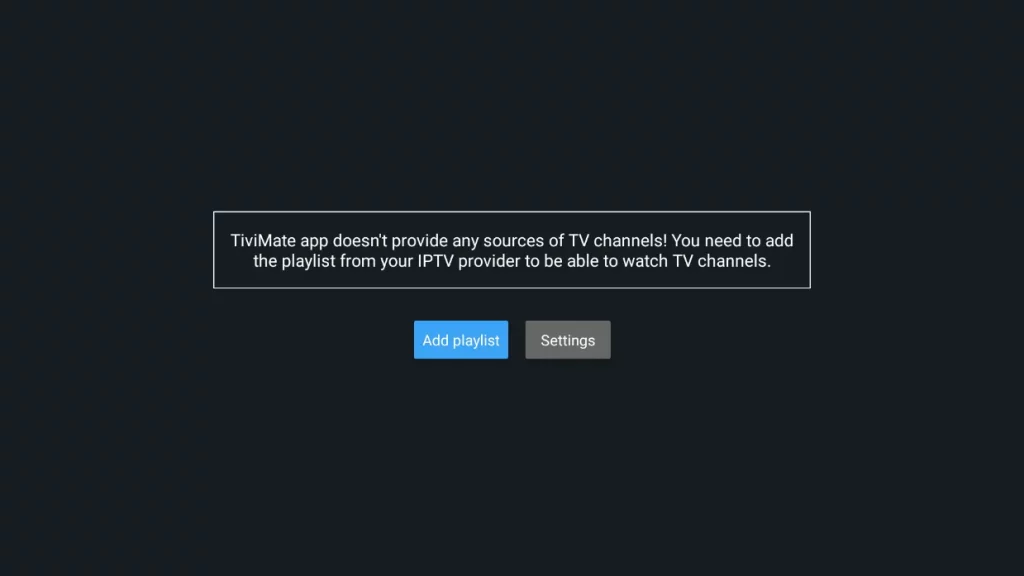
In the app you will see the screen below. Go straight to Add playlist and choose the Xtream Codes login option.
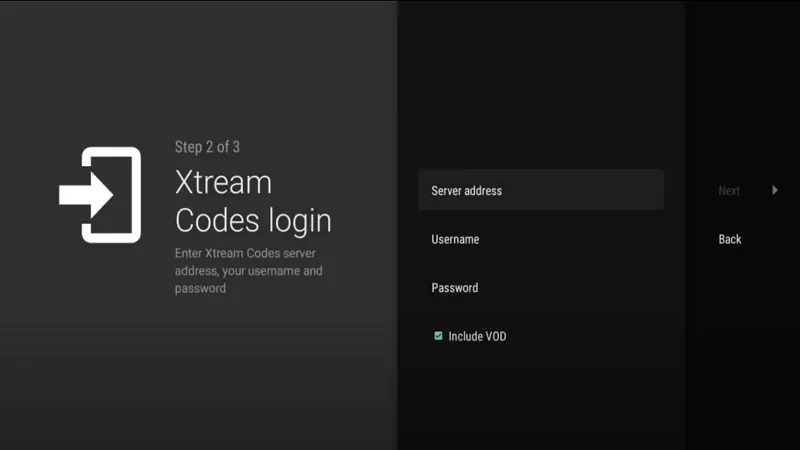
Step 3: Add your Xtream Codes
Server address: http://line.ultraqhd.net
Username: XXXXX
Password: XXXXX
Tick Include VOD on
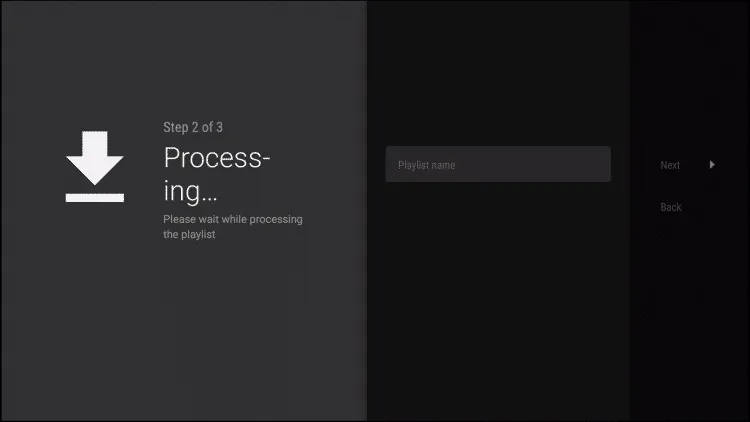
Press Next and the playlist will be uploaded to Tivimate.
Step 4: Reload the playlist
The app tells you exactly how many channels, VOD titles and films you have received. Press Next and the playlist will appear right away. Please note: Some features require a Tivimate Premium account. The pricing can be found inside the app.
Still stuck? Feel free to contact us.